
ChatGPT Email Generator: Free AI Email Writer
Free ChatGPT email generator powered by OpenAI's GPT-4o mini. Describe the email, pick a tone, style, and language, and copy a ready-to-edit draft.
Free ChatGPT Email Generator
Describe the email you need, choose a tone, style, and language, then generate a copy-ready draft. Review names, dates, links, and claims before sending. Drafts are written by OpenAI's GPT-4o mini; DocGPT.ai is not affiliated with OpenAI.
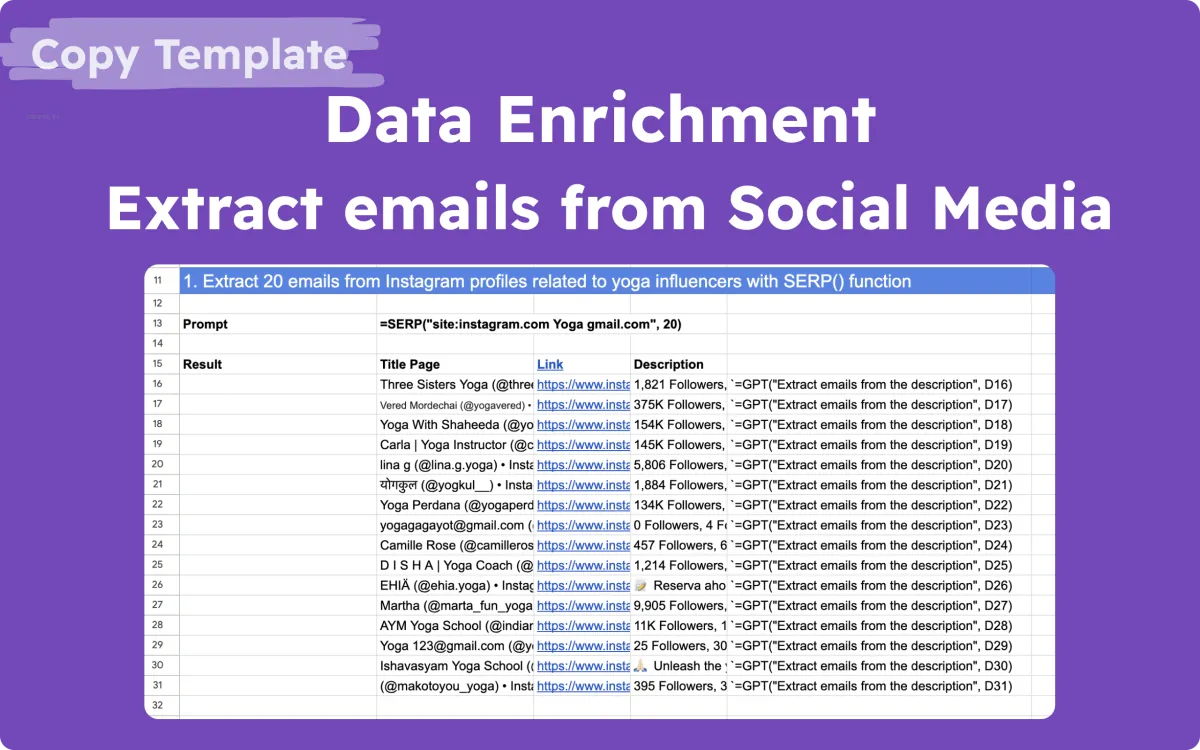
Extracting emails from social media
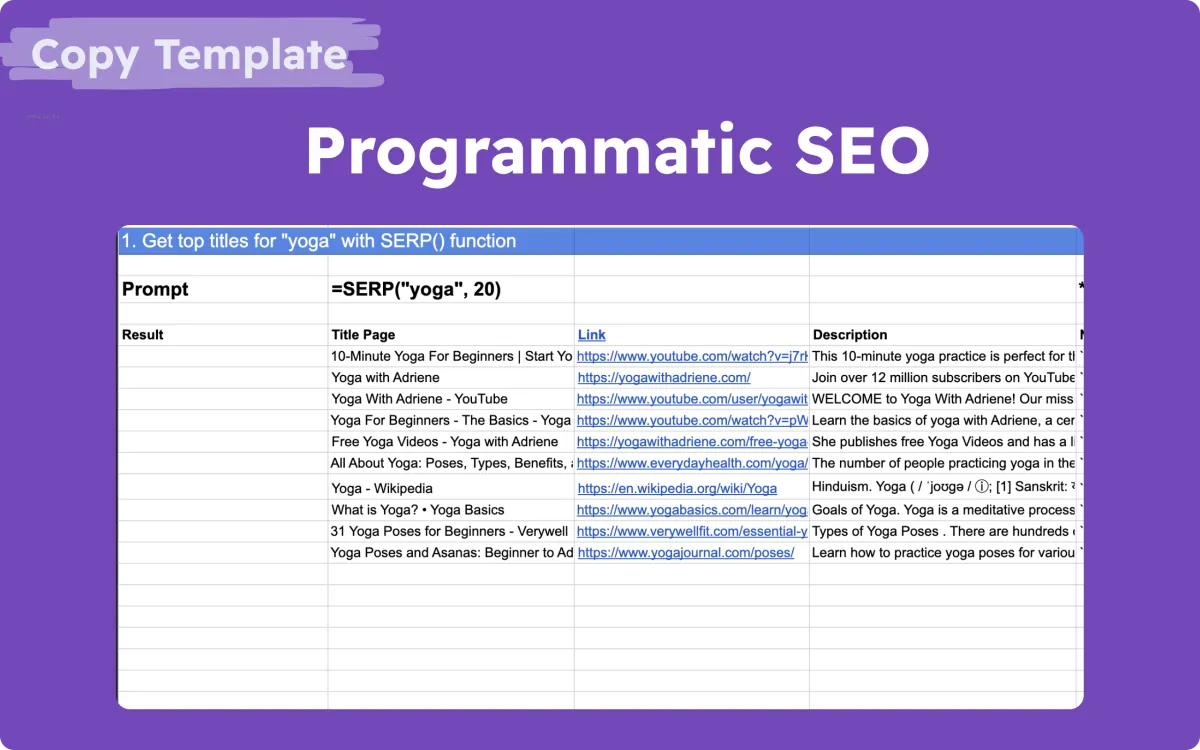
Programmatic seo | Generate 30 SEO-optimized pages at once
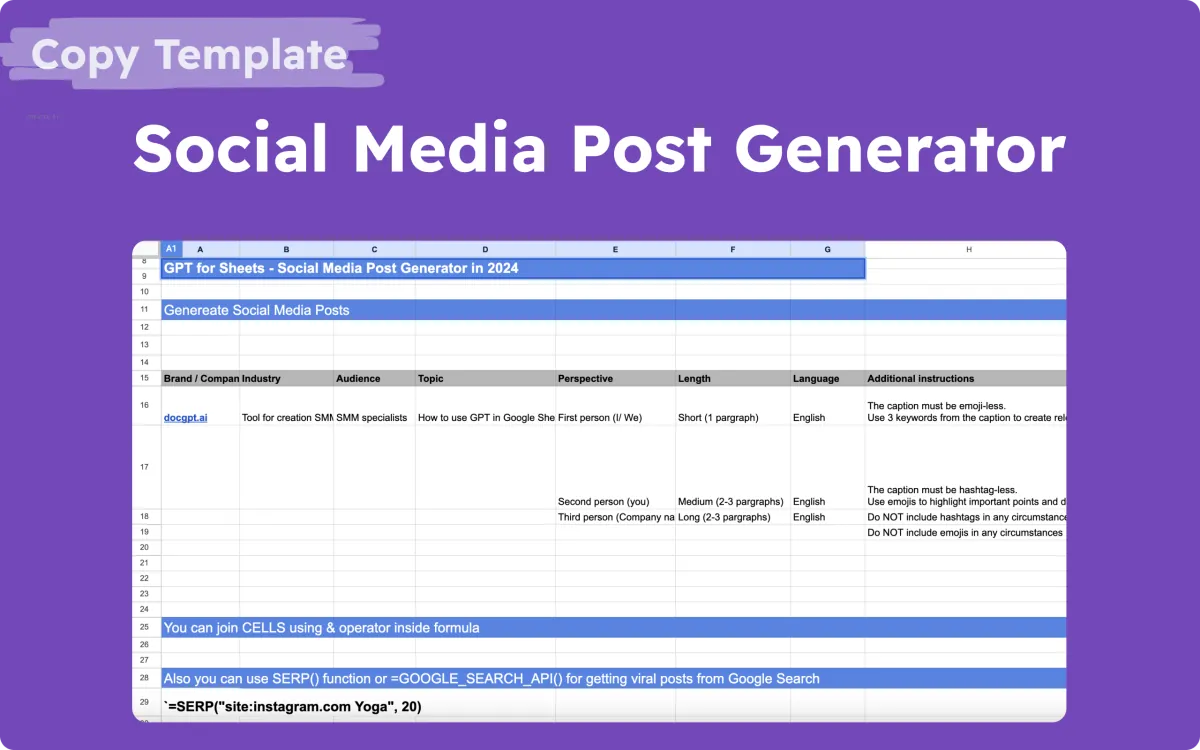
AI Social Media Generator
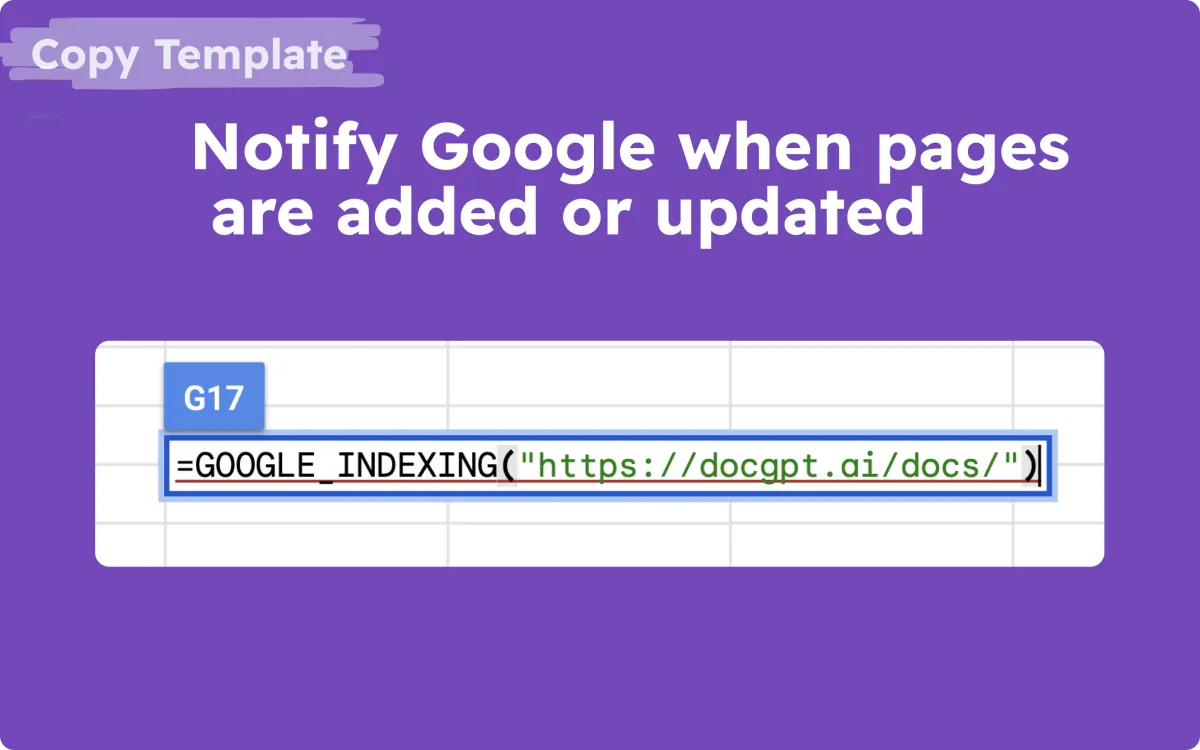
Notify Google when pages are added
How the ChatGPT email generator works
- Describe the email. Write the purpose in one or two sentences: who it is for, what you want, and the key details.
- Pick a tone, style, and language. For example professional, friendly, or persuasive, in any of about 30 languages.
- Generate and edit. OpenAI's GPT-4o mini writes a draft. Copy it, then check names, dates, links, and claims before sending.
Example brief
Purpose: "Follow up with Anna from Northstar Labs after Tuesday's demo, share the pricing link, and ask for a 15-minute call next week." Tone: friendly. Language: English.
Sending the same email to a list? Put the recipients in Google Sheets and use Mail Merge for Gmail and Sheets, or see how to mail merge in Gmail.
ChatGPT Email Generator FAQ
Is this ChatGPT email generator free?
Yes. You can run it twice every 20 minutes in the same browser, with no sign-up; entering your email unlocks five more runs. To write and send many personalized emails, use Mail Merge for Gmail and Sheets or GPT for Gmail.
Which AI model writes the emails?
OpenAI's GPT-4o mini, the model family behind ChatGPT, called through the DocGPT.ai API. DocGPT.ai is not affiliated with OpenAI.
What should I write in the Purpose field?
Say who the email is for, what you want, the key details such as names, dates, or an offer, and the next step you expect. The field takes up to 500 characters.
Which tones and languages can I choose?
Tones include professional, friendly, formal, casual, persuasive, empathetic, and more. Languages include English, Spanish, French, German, Portuguese, Italian, Ukrainian, Japanese, Chinese (Simplified), and about 20 others.
Is it safe to paste private information?
Your brief is sent to the DocGPT.ai server and to OpenAI to generate the draft, so do not paste passwords, payment details, or sensitive personal data. Always check names, dates, links, and claims before you send.
More free AI tools
- AI Presentation Generator
- Bulk QR Code Generator
- Bulk Barcode Generator
- AI Table Generator
- AI Formula Generator for Sheets & Excel
- AI Quiz Generator for Google Forms
- Email Permutator
- Email Subject Line Generator
- AI Email Reply Generator
- Gmail Email Extractor
- Outlook Email Extractor
- ChatGPT Prompt Generator
- AI Prompts Generator
- Midjourney Prompt Generator
- Stable Diffusion Prompt Generator
- AI Social Media Post Generator
- LinkedIn Post Generator
- Facebook Post Generator
- Instagram Post Generator
- Twitter (X) Post Generator
- GPT Translator