
Reply to Gmail faster without starting from a blank page
AI Email Assistant for Gmail helps you turn long threads into clear replies, rewrite tone, translate messages, draft follow-ups and reuse templates directly inside Gmail. Upgrade to Premium for unlimited email help.
Turn messy email threads into clear replies.
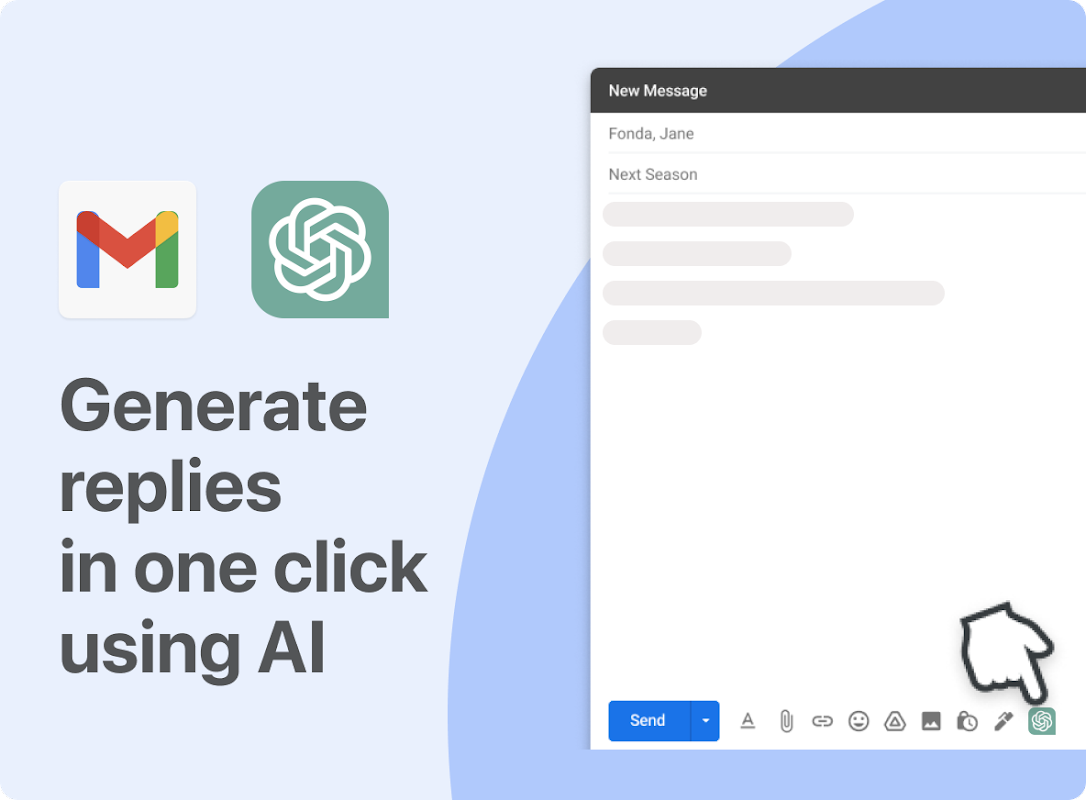
Stop copying emails into separate chatbots. Draft replies, fix tone, summarize long conversations, translate messages and write follow-ups directly inside Gmail.
Understand the conversation, summarize what matters and draft a useful answer faster.
Make replies sound concise, friendly, formal, persuasive or more professional.
Use templates and custom instructions for support, sales, recruiting and operations emails.
Best value: Premium Unlimited annual — for people who answer email every week.
- 700 email assists per month
- Draft and rewrite Gmail replies
- Fix tone, grammar and clarity
- Translate important messages
- Basic templates for repeat replies
- No API keys required
- Email assists: Unlimited
- Summarize long Gmail threads
- Draft replies from conversation context
- Follow-up drafts for sales, support and recruiting
- Saved templates and custom instructions
- Rewrite replies to sound concise, friendly or formal
- Priority support
- One-time payment
- Email assists: 5,000 / mo
- Draft, rewrite and translate in Gmail
- Basic templates for recurring emails
- No monthly subscription
- Priority onboarding support
- 5 Gmail licenses for your team
- Premium features for every user
- Team setup and onboarding help
- Email assists: Unlimited
- Support, sales and operations workflows
- Priority email support
- Save 60%
- 1,000 email assists per month
- Draft and rewrite Gmail replies
- Fix tone, grammar and clarity
- Translate important messages
- Basic templates for repeat replies
- No API keys required
- Save 50% vs monthly
- Email assists: Unlimited
- Summarize long Gmail threads
- Draft replies from conversation context
- Follow-up drafts for sales, support and recruiting
- Saved templates and custom instructions
- Rewrite replies to sound concise, friendly or formal
- Best when email is part of your daily work.
- One-time payment
- Email assists: 5,000 / mo
- Draft, rewrite and translate in Gmail
- Basic templates for recurring emails
- No monthly subscription
- Priority onboarding support
- 5 Gmail licenses for your team
- Premium features for every user
- Team setup and onboarding help
- Email assists: Unlimited
- Support, sales and operations workflows
- Priority email support
-
Step 1Install Add-On
Go to Workspace Marketplace and click on Install button.
-
Step 2Open Google Gmail
Please open a Google Gmail where you want to use the add-on.
Frequently Asked Questions - AI Email Assistant for Gmail
Everything you need to know about AI Email Assistant for Gmail by DocGPT.AI
AI Email Assistant for Gmail is a powerful add-on that integrates ChatGPT, Claude, Gemini, and Perplexity AI directly into your Gmail interface. It analyzes your email context and helps you:
- ✅ Generate professional emails from scratch
- ✅ Write intelligent replies based on incoming messages
- ✅ Translate emails into 100+ languages
- ✅ Rephrase and improve your writing
- ✅ Use custom templates for common scenarios
Simply install the add-on, open Gmail, and access AI assistance directly in your compose window!
AI Email Assistant for Gmail supports the most advanced AI models:
- 🤖 ChatGPT (GPT-4, GPT-4o, GPT-3.5) - OpenAI's flagship models
- 🧠 Claude (Claude 3.5, Claude 3) - Anthropic's advanced AI
- ✨ Gemini (Gemini Pro, Gemini Flash) - Google's multimodal AI
- 🔍 Perplexity AI - Web-enabled research AI
- 🚀 Mistral AI - European AI champion
You can switch between models depending on your needs - use GPT-4 for complex emails, Claude for creative writing, or Gemini for quick responses!
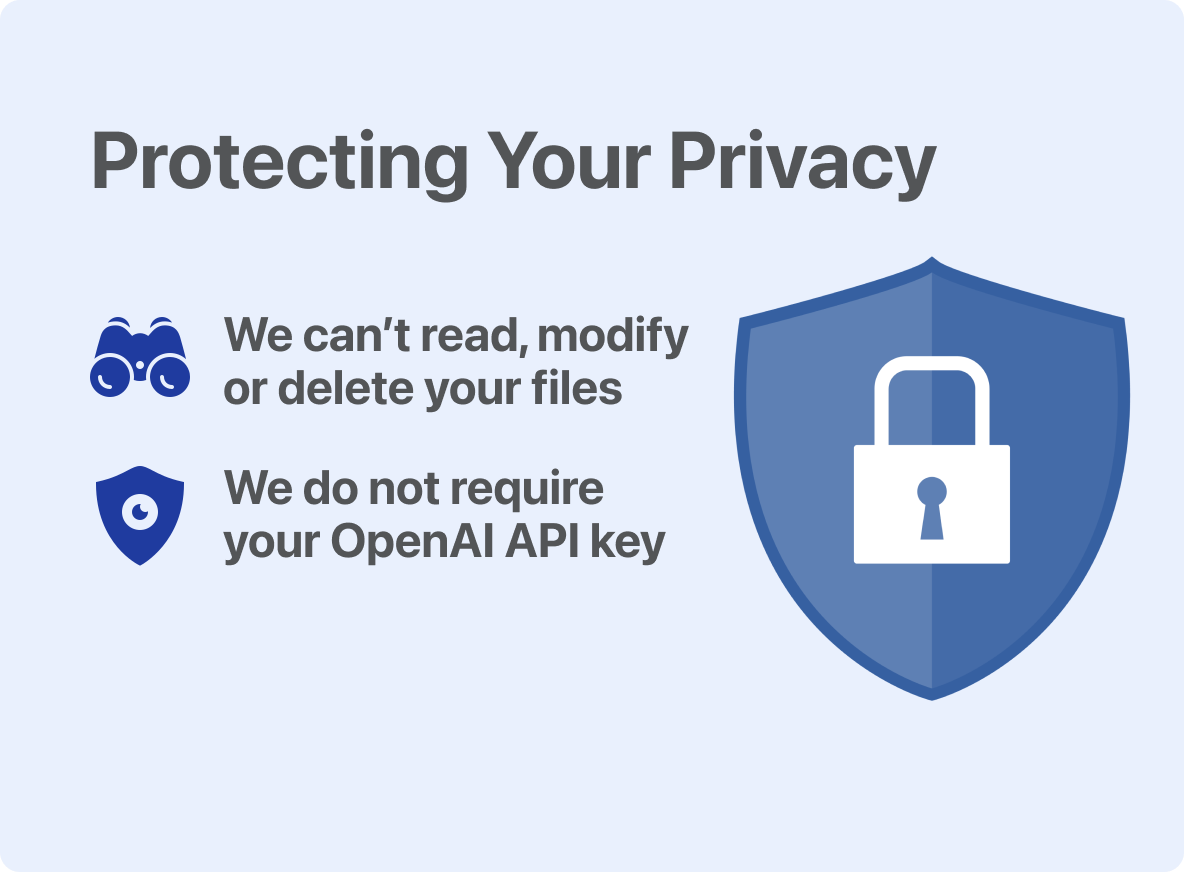
Yes, AI Email Assistant is completely safe and privacy-focused:
- 🔒 No email storage - We never store your email content
- 🔒 You control what to share - Only emails you explicitly select are processed
- 🔒 Direct API calls - Data sent directly to AI providers (OpenAI, Anthropic, Google)
- 🔒 No third-party access - We don't sell or share your data
- 🔒 Encrypted connections - All communications use HTTPS/TLS encryption
Your privacy is our priority. AI Email Assistant only processes emails when you explicitly click "Generate" or "Reply".
AI Email Assistant offers flexible monthly, annual and lifetime plans:
- 💰 Hobby - for occasional Gmail replies and rewrites
- 💼 Premium Unlimited - best for daily Gmail users who want unlimited AI replies
- 🏢 Organization - for teams that need multiple seats and domain-wide access
- 🚀 Lifetime - one-time access for users who do not want a subscription
Best value: Premium Unlimited annual saves 50% vs monthly and is the recommended plan for weekly Gmail AI use.
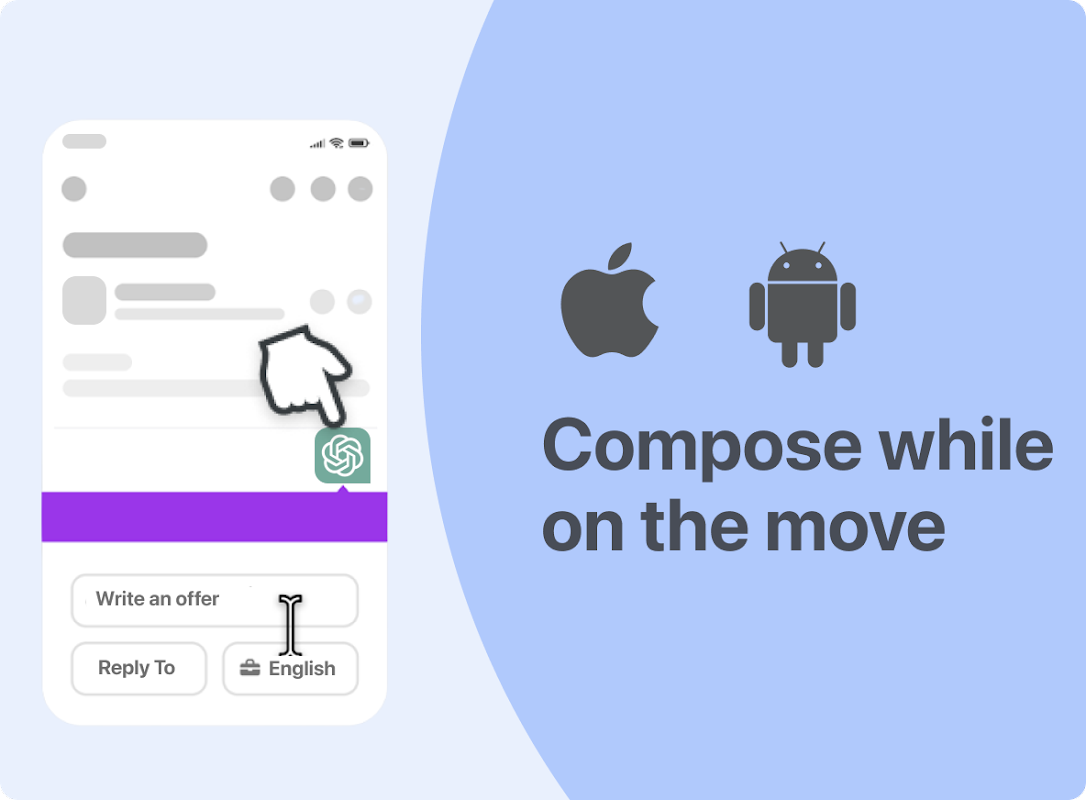
Yes! AI Email Assistant works on both desktop and mobile devices:
- 📱 Gmail Mobile App - Access the add-on from the Gmail app on iOS and Android
- 💻 Desktop Browser - Works in Chrome, Firefox, Safari, Edge
- 🌐 Web Gmail - Fully integrated into Gmail web interface
Your AI assistant follows you everywhere - compose professional emails on the go!
AI Email Assistant is specifically designed for email productivity:
| Feature | AI Email Assistant | ChatGPT Alone |
|---|---|---|
| Gmail Integration | ✅ Native integration | ❌ Copy/paste required |
| Context Awareness | ✅ Auto-reads thread | ❌ Manual input |
| Email Templates | ✅ Built-in | ❌ No templates |
| Multiple AI Models | ✅ GPT, Claude, Gemini, Perplexity | ⚠️ GPT only |
| Translation | ✅ 100+ languages | ⚠️ Limited |
AI Email Assistant saves you time by working directly where you write emails!
Yes! AI Email Assistant includes powerful translation features:
- 🌍 100+ languages - From Arabic to Zulu
- 🗣️ Regional dialects - UK English, Brazilian Portuguese, etc.
- ✍️ Tone preservation - Maintains formal/informal style
- 🎯 Context-aware - Understands business vs. casual emails
Perfect for international business, customer support, or personal correspondence!
Absolutely! AI Email Assistant is fully compatible with:
- ✅ Personal Gmail - @gmail.com accounts
- ✅ Google Workspace - Custom domain emails (@yourcompany.com)
- ✅ G Suite Legacy - Older Google Apps accounts
- ✅ Education accounts - @school.edu domains
Install once, use across all your Gmail/Workspace accounts!
Installation takes less than 1 minute:
- Visit: Google Workspace Marketplace
- Click: "Install" button
- Authorize: Grant Gmail permissions
- Open Gmail: You'll see the AI Email Assistant icon in the compose window
- Start writing: Click the icon and generate your first email!
No technical knowledge required - if you can use Gmail, you can use AI Email Assistant!
Yes! AI Email Assistant offers flexible subscription management:
- ✅ Cancel anytime - No long-term contracts
- ✅ No cancellation fees - Stop whenever you want
- ✅ Pro-rated refunds - Get refunds for unused time (within 30 days)
- ✅ Instant cancellation - Takes effect immediately
- ✅ Data export - Download your templates before leaving
We're confident you'll love AI Email Assistant, but there's zero risk to try it!