
GPT Translator: Free AI Translation with Custom Instructions
Translate short text with OpenAI's GPT-4o mini. Pick the languages, add tone or glossary instructions, and copy the result. Free, no sign-up.
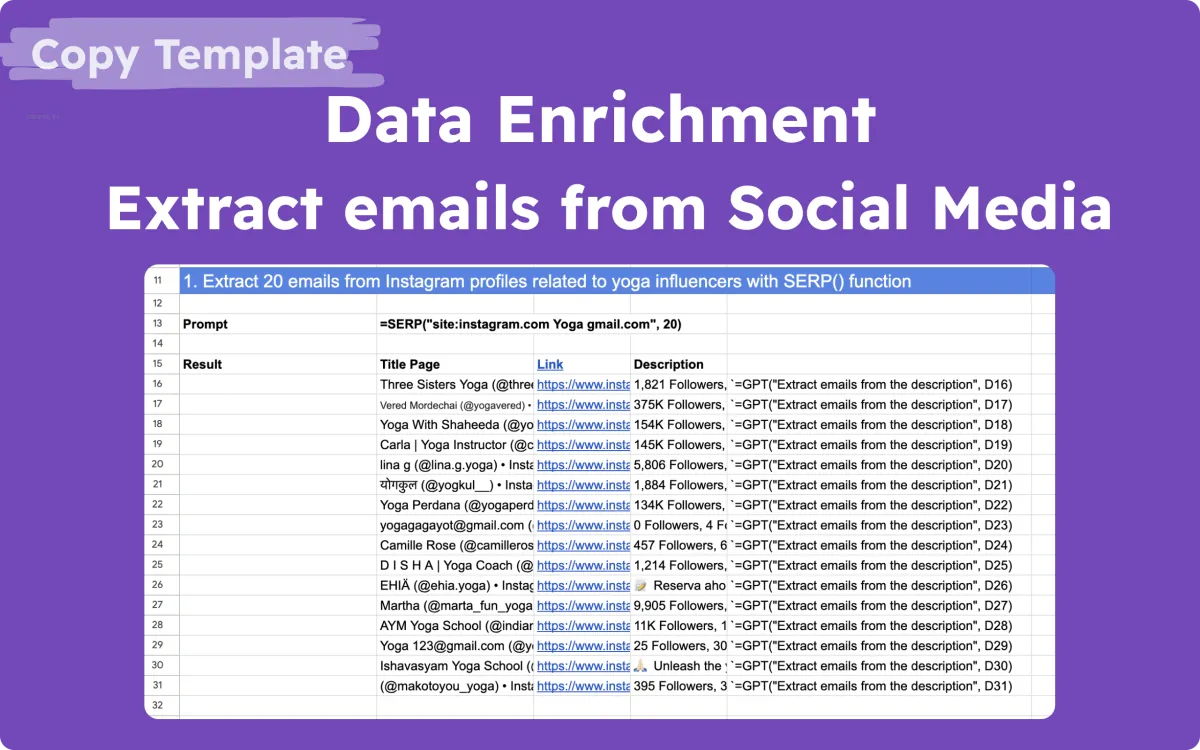
Extracting emails from social media
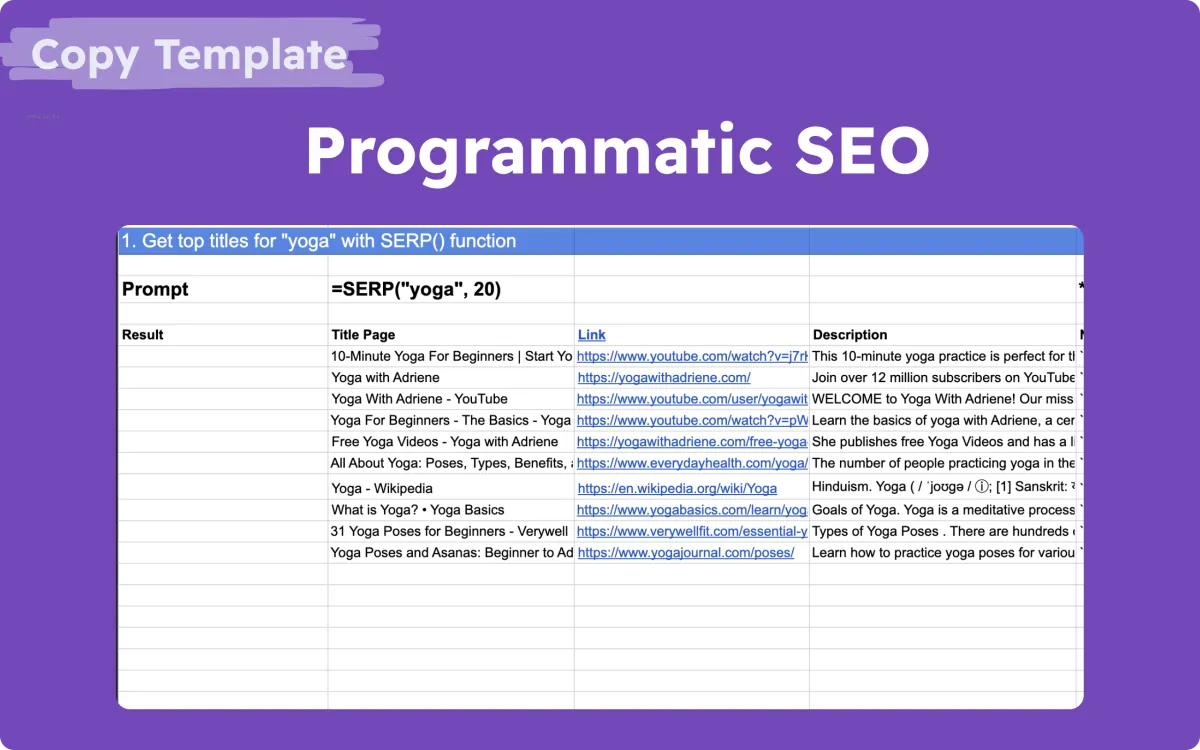
Programmatic seo | Generate 30 SEO-optimized pages at once
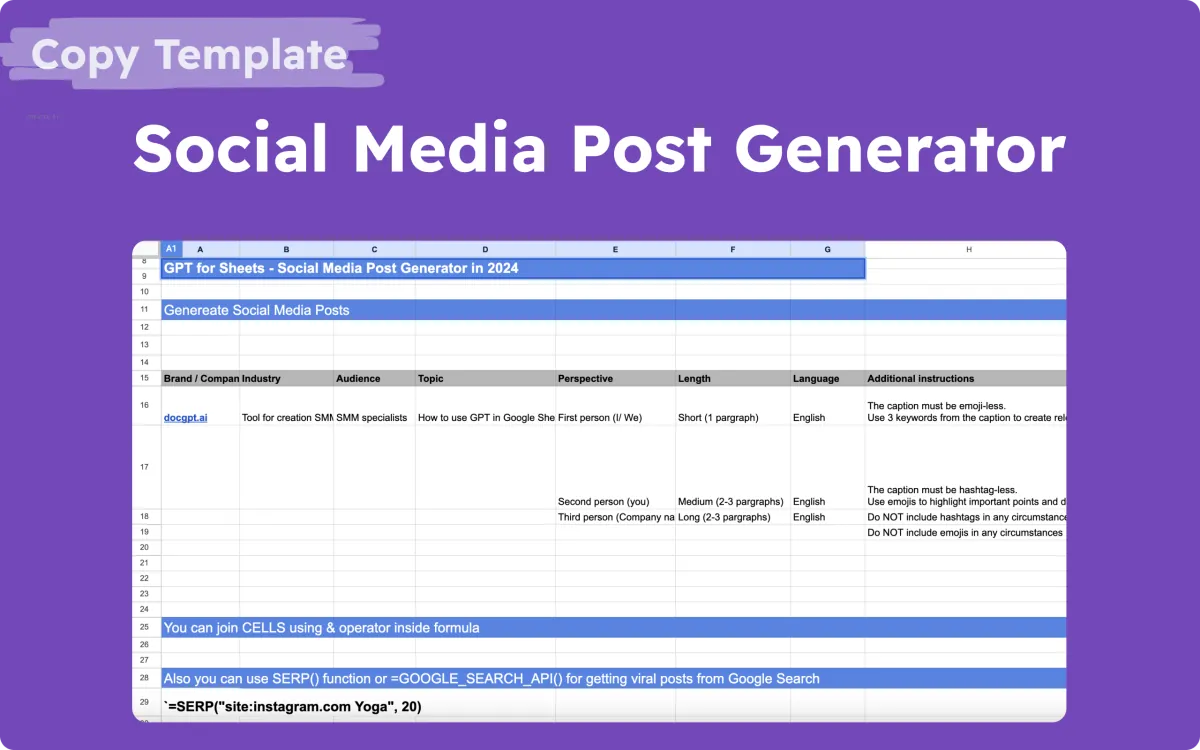
AI Social Media Generator
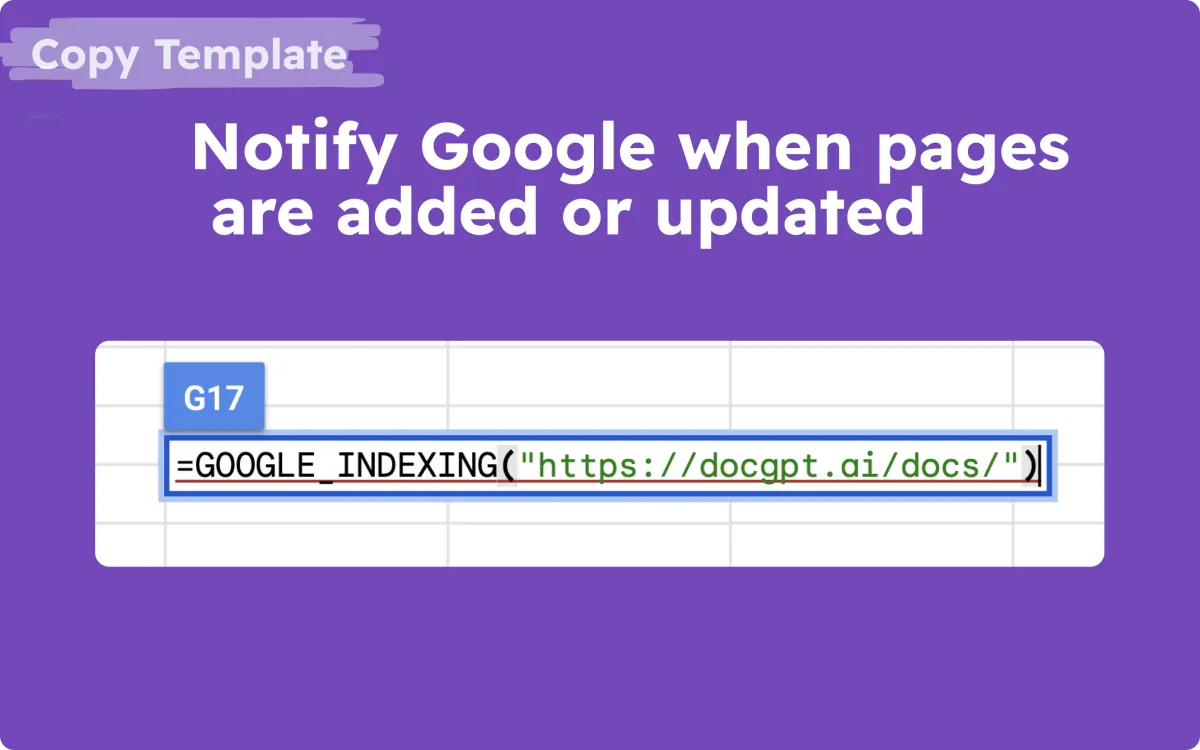
Notify Google when pages are added
How the GPT Translator works
- Choose the source and target languages.
- Type or paste your text, up to 200 characters.
- Add custom instructions if you need a tone, a voice, or terms that must stay unchanged.
- Translate. OpenAI's GPT-4o mini returns the translation, following your instructions.
Need more than a snippet? Translate whole columns with =GPT_TRANSLATE() in GPT for Sheets, or presentations with Slides Translator.
GPT Translator FAQ
Which AI model does the GPT Translator use?
OpenAI's GPT-4o mini, called through the DocGPT.ai API. DocGPT.ai is not affiliated with OpenAI.
What are custom instructions for?
Use them to set the tone or voice, or to give a short glossary, for example "keep product names in English". The field takes up to 70 characters.
How much text can I translate for free?
Up to 200 characters per run. You can run it twice every 20 minutes in the same browser, with no sign-up; entering your email unlocks five more runs.
How do I translate a whole sheet or presentation?
Use =GPT_TRANSLATE() in GPT for Sheets to translate many cells at once, or Slides Translator for Google Slides.
More free AI tools
- AI Presentation Generator
- Bulk QR Code Generator
- Bulk Barcode Generator
- AI Table Generator
- AI Formula Generator for Sheets & Excel
- AI Quiz Generator for Google Forms
- Email Permutator
- Email Subject Line Generator
- ChatGPT Email Generator
- AI Email Reply Generator
- Gmail Email Extractor
- Outlook Email Extractor
- ChatGPT Prompt Generator
- AI Prompts Generator
- Midjourney Prompt Generator
- Stable Diffusion Prompt Generator
- AI Social Media Post Generator
- LinkedIn Post Generator
- Facebook Post Generator
- Instagram Post Generator
- Twitter (X) Post Generator